
How to Optimize Etsy Shop Categories for SEO, Conversions, and Easy Navigation
When shoppers land on your Etsy store, your categories sidebar is the very first roadmap they see. A well-organized sidebar not only helps buyers quickly find what they’re looking for—it also boosts Etsy SEO, conversions, and customer satisfaction. This tutorial deal best practices on how to optimize Etsy shop categories.
We’ll walk step by step through how to optimize your Etsy shop categories for best practices, search engine optimization, reducing bounce rates, and creating an easier shopping experience.
Why Etsy Categories Matter
- SEO boost: Etsy indexes your categories, so keyword-rich category names help you appear in search.
- Conversion growth: Clear categories guide shoppers to exactly what they want, reducing confusion.
- Lower bounce rates: When visitors can’t find items quickly, they leave. Good categories keep them browsing longer.
- Professional branding: Clean navigation builds trust and shows you run an organized store.
Step 1: Know Etsy’s Category Limitations
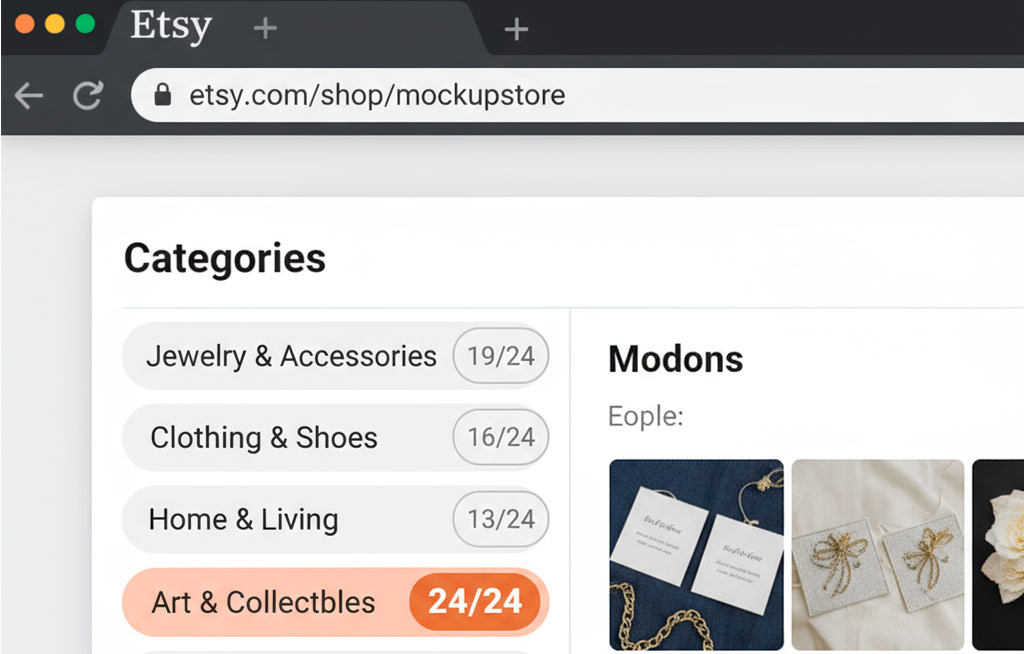
Here’s the first thing most sellers overlook:
➡️ Etsy limits category names to 24 characters total (including spaces and commas).
That means you must be concise. Long descriptive names like ‘Flyers, Tickets, and Banners for Church Events’ won’t fit. Instead, you’ll need shorter, keyword-rich phrases like:
Pro tip: Always count characters before finalizing your categories to avoid Etsy’s truncation.
Step 2: Align Categories with Buyer Intent
Think like your customer. What product types do they come looking for first? If you sell across multiple niches (like funeral programs, church stationery, or business cards), each main audience needs a direct, intuitive category path.
Examples:
- Funeral shoppers → “Bifold Funeral Programs,” “Trifold Funeral Programs”
- Churches → “Anniversary Programs,” “Church Stationery”
- General events → “Event Printables,” “Souvenir Booklets”
When categories match buyer intent, shoppers feel guided instead of lost.
Step 3: Consolidate Where It Makes Sense
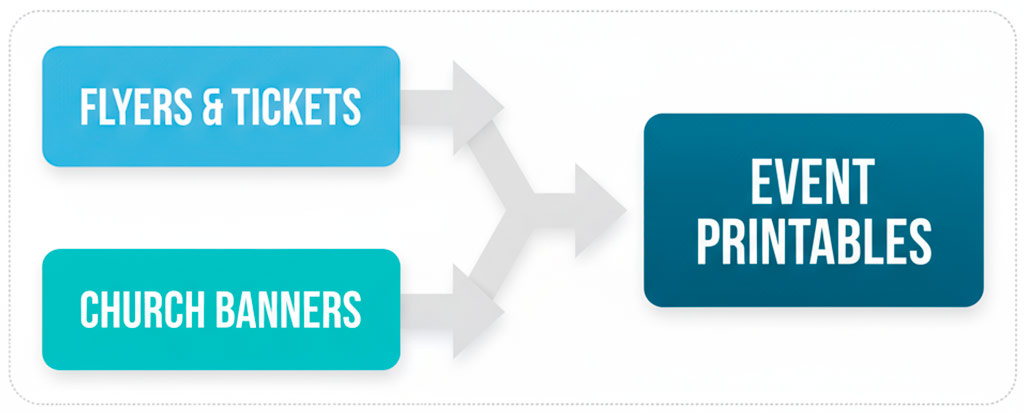
Sometimes, combining related categories helps reduce clutter and boosts SEO. For example:
- Instead of separating Flyers & Tickets and Church Banners, combine them into Event Printables.
- This not only broadens keyword reach but also lets buyers explore more related designs in one click.
If you have large inventories in each product type, keep them separate. If not, consolidation simplifies navigation.
Step 4: Order Etsy Shop Categories Strategically
Your most popular or highest-converting products should always appear at the top of your sidebar. For example:
- Bifold Funeral Programs
- Trifold Funeral Programs
- One-Sheet Funeral Programs
- Memorial Cards
- Anniversary Programs
…then place seasonal or secondary items like Holiday Programs, Sports Invitations, and Business Cards lower down.
This way, you guide visitors toward your bestsellers and top revenue drivers first.
Step 5: Test and Track
Don’t guess—let your data guide you. Use Etsy Analytics to monitor:
- Which categories attract the most clicks?
- Which have high bounce rates?
- How do conversions compare across categories?
Experiment with names, order, and consolidation. Small adjustments can lift conversion rates significantly.
The Best Prompt to Use with ChatGPT for Etsy shop categories
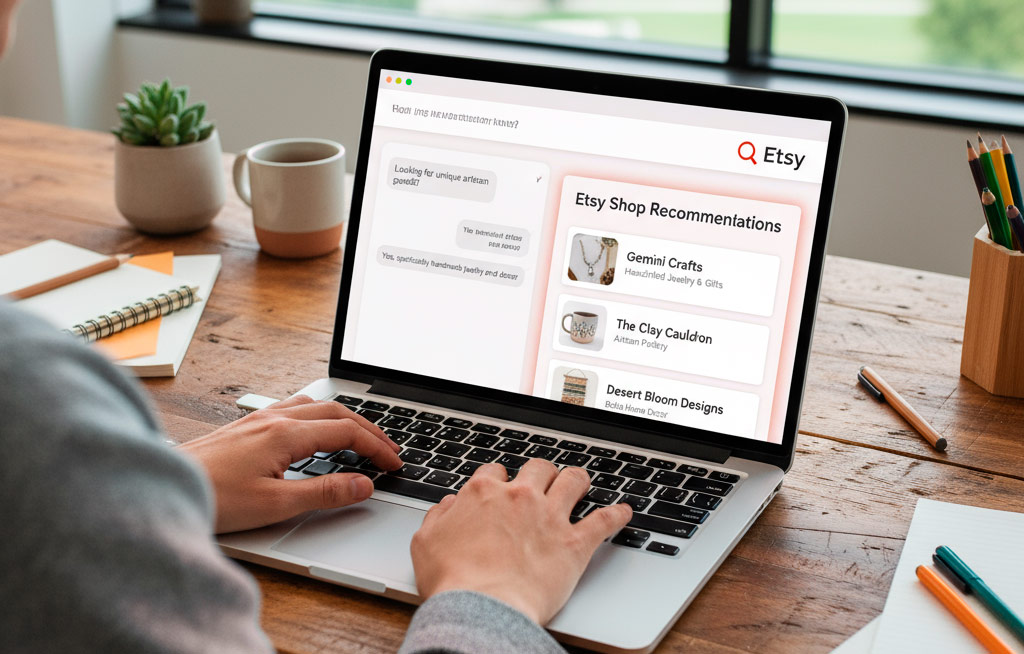
Want to streamline this process with AI? Here’s the exact prompt you can paste into ChatGPT:
Recommended Reading for Etsy shop categories SEO & eCommerce Growth
If you want to take your Etsy shop optimization to the next level, here are three highly-rated books on SEO, digital marketing, and eCommerce that can help you master the skills needed to succeed:
- Etsy SEO 2025: The Complete Guide to Etsy Search Engine Optimization – A practical, up-to-date book that walks Etsy sellers through keywords, categories, and search ranking strategies to increase visibility and sales.
- SEO 2025: Learn Search Engine Optimization with Smart Internet Marketing Strategies by Adam Clarke – A bestselling SEO guide that breaks down Google SEO in easy-to-follow steps. Perfect for Etsy sellers who also run a blog or website alongside their shop.
- Mind Your Business: A Workbook to Grow Your Creative Passion Into a Full-time Gig –Mind Your Business is the ONLY book that teaches you everything you need to know about how to build a successful business from scratch. From developing your brand to designing products to identifying your legal and tax needs
Each book complements the principles we’ve covered here, helping you improve your Etsy SEO, increase conversions, and build a sustainable eCommerce business.
Final Thoughts on Etsy shop categories
Optimizing your Etsy shop categories may seem small, but it has huge impact on SEO, sales, and customer experience. By keeping names under 24 characters, aligning with buyer intent, and using smart consolidation, you’ll create a sidebar that works like a sales funnel.
Your Etsy shop’s navigation is your silent salesperson—make sure it’s doing the heavy lifting for you.
✅ Copy this framework, apply it to your shop, and watch your traffic and conversions improve.


